
Lewdden takes content reports seriously. If you’ve come across something on the platform that you think breaks our rules — content that depicts minors, non-consenting people, real animals, or anything else covered in Prohibited content — what you cannot publish — this guide walks you through filing a report. You’ll need to be signed in to file one (we don’t accept anonymous reports through this channel), and reports about minors or imminent threats are auto-escalated to our highest priority for fastest review.
Filing a report opens a regular support ticket on your account. You’ll get an email confirmation right away, and our trust & safety team picks it up directly — abuse reports are tagged separately from normal support and don’t sit in the general queue.
1. When to use the abuse-report channel
Use the Abuse / report a creator support category when:
- A clip, livestream recording, feed post, custom order, or product depicts content prohibited by our content rules — minors, non-consent, incapacitation, bestiality, necrophilia, extreme violence, or trafficking-themed content.
- A creator’s storefront or profile contains material you believe violates our rules (cover images, profile bio, descriptions).
- Someone is impersonating a real person without their consent (deepfake content, leaked content, stolen identity).
- You suspect content was posted without the depicted person’s consent (revenge-style sharing, hidden-camera material).
- Someone is making threats, doxxing, or stalking through the platform.
Don’t use this channel for:
- Billing problems — use Wallet & payments instead.
- A subscription you can’t cancel — use Subscriptions instead.
- Streaming playback issues — use Streaming playback instead.
- A general dislike of a creator’s content style — that’s not a rules violation; you can simply not subscribe.
- Intellectual property / DMCA claims — those go through a separate legal channel; email the support team directly with “DMCA” in the subject and the formal takedown information.
The full list of what counts as a rules violation is in Prohibited content — what you cannot publish.
2. How to file the report
- Sign in to your account.
- Open My account from the top-right menu.
- Click Support in the sidebar.
- Click New ticket (or + Compose, depending on which view you see).
- In the Category dropdown, choose Abuse / report a creator.
- Fill in the Subject with a short summary (what you saw, where).
- Use the Message body for the details — be specific (see §3).
- Click Submit.
If you’re already on the page where you saw the content (a creator’s storefront, a clip page, a feed post), the support link in the page footer also opens the form pre-filled with the URL of the page you came from — that saves you copy-pasting the link manually.
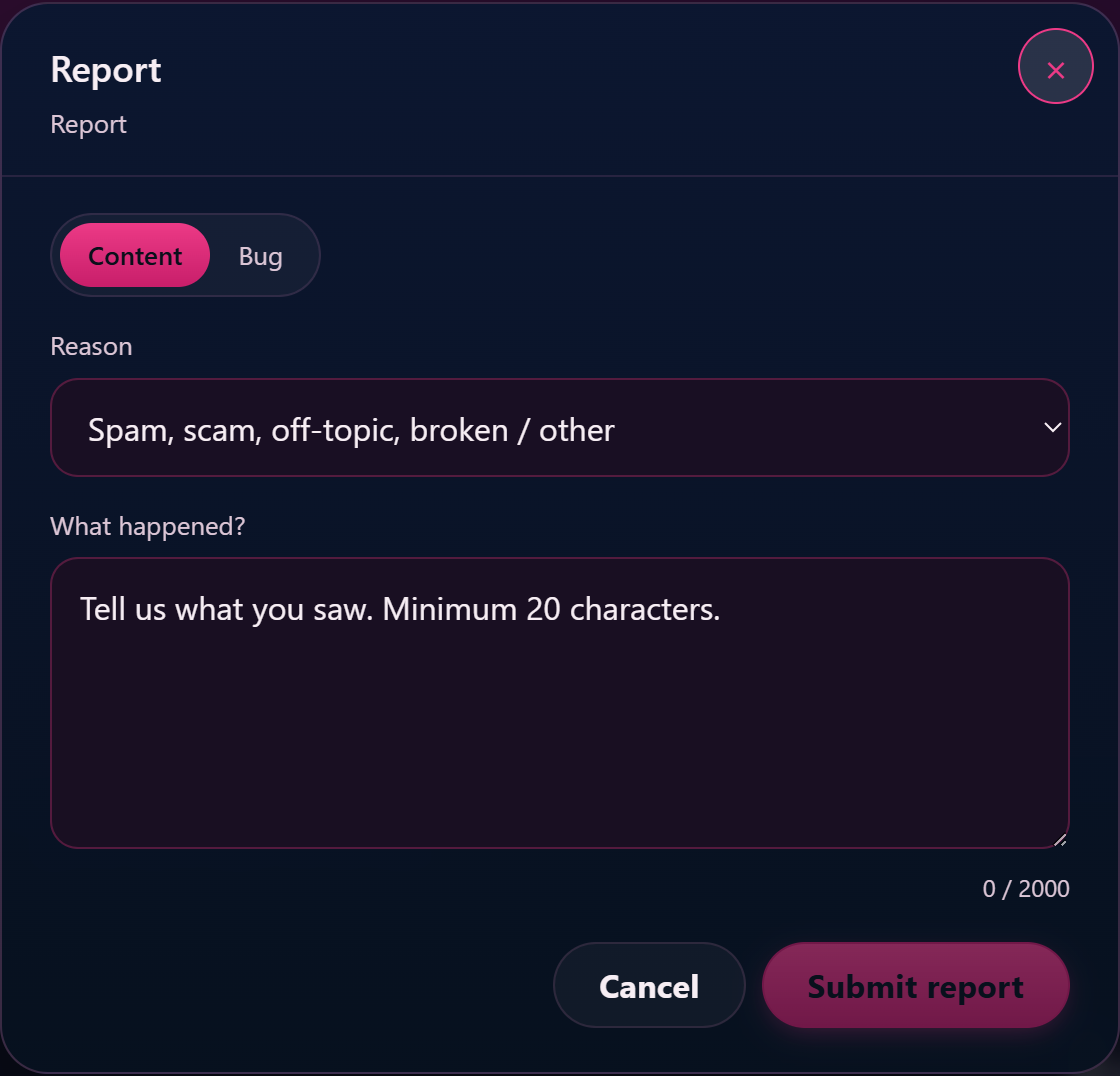
3. What to include in the report
A report that gives our team enough to act on without going back-and-forth is much faster to resolve. Include:
- A direct link to the content you’re reporting — copy the URL from your address bar, or paste the creator’s storefront URL if it’s about the creator overall rather than a specific clip.
- The creator’s name or handle (the part after
/store/in the URL). - What you think the content depicts — describe in your own words why it falls under prohibited content. You don’t need to name the exact rule; “the title says ‘underage’ and the framing reads as a minor” is enough.
- When you saw it — the date is enough; we don’t need a screenshot timestamp.
- Any screenshots — attach them to the message if you can. Drag-and-drop into the message body or use the attachment button.
You don’t have to include personal details about yourself or speculate about the creator’s identity. Stick to what’s in the content and we’ll take it from there.
4. What happens after you submit
When your ticket is submitted:
- Confirmation email. You get an immediate email confirming the report was received. The email includes a single-use magic link valid for 24 hours that opens the ticket so you can add follow-ups without signing back in. After that link expires, the ticket is still in your My account → Support history — sign in normally to access it.
- Auto-priority high. Reports filed under the Abuse / report a creator category are automatically tagged at high priority, regardless of how busy the rest of the queue is. They go straight to the trust & safety team rather than the general support queue.
- Auto-escalation for serious cases. If your report mentions specific terms (minor, underage, threat, leaked, stolen, GDPR, attorney) the system upgrades the priority further — minor-related reports go to urgent (highest tier) and are routed to a small senior subset of the trust & safety team. You don’t need to do anything special — using plain language to describe what you saw is enough.
- Trust & safety team review. A reviewer reads the ticket, opens the linked content, and decides what action to take: removing the clip, suspending the creator, freezing payouts, or — for the most serious cases — reporting to the relevant legal authority.
- Reply to you. You’ll get an email when the team replies, with a link back to the ticket. Most abuse reports get a first response within a few hours; the most serious cases (suspected minors) are picked up immediately.
The action we take on the reported content is not sent to you in detail — we’ll confirm that the report was received and reviewed, but for privacy and safety reasons we don’t disclose the creator’s account-status changes or the outcome of the review beyond a general “we’ve actioned this” or “we reviewed and found no violation.” For a deeper look at the four-state triage — actioned, no-violation, needs-info, escalated — and why you don’t always get an outcome email, see What happens after you report.
5. Special cases
Suspected content involving minors. This is our highest priority, full stop. If you believe content on the platform involves a minor, file the report with Abuse / report a creator and use the word “minor” or “underage” anywhere in your subject or message — that auto-routes the ticket to urgent with immediate notification. For the absolute fastest path, you can also email the support team directly; the team will treat any minor-related email at the same urgency.
Leaked or non-consensual content of a real person. If you appear in content posted on Lewdden without your consent, see §7 below. If you’re reporting on behalf of someone else (a friend, a public figure being deepfaked, leaked content of an ex), the Abuse / report a creator category is the right channel. The team will need a way to verify that the depicted person hasn’t consented before removing — but the initial report can be made by anyone.
Threats or stalking. If a creator (or another customer through messaging) is threatening you, doxxing you, or stalking you, file the report and use the word “threat” or “stalker” — it auto-promotes the priority. If you’re in immediate danger, contact your local emergency services first; the platform report supports the long-term resolution but isn’t a substitute for emergency response.
Chargeback fraud or billing problems with a transaction tied to a creator. Use Wallet & payments for the billing side. If the same creator is also breaking content rules, file a separate Abuse / report a creator ticket so the trust & safety review and the billing review run in parallel.
6. Privacy and how the report is handled
- You must be signed in to file a report through the support form. This isn’t to discourage reports — it’s so the trust & safety team can follow up with you if there are questions, and so reports can’t be used as a harassment vector against creators.
- The reported creator does not see your name or your ticket. Only the trust & safety team sees abuse reports. Creators don’t have visibility into the support queue at all (their support category set is separate from yours).
- The team won’t share what you reported with the creator. If the team reviews and acts, the creator sees the action (clip removed, account suspended) but not the source of the report.
- Your report is stored on the platform. It’s part of your support history and can be referenced by you in My account → Support. You can ask for it to be deleted under data-protection rights — see the privacy policy or open an Account & login ticket with the request.
If you’d rather not be associated with the report at all and the situation involves an immediate threat or a minor, emailing support directly (without using the form) keeps your name out of the structured ticket records — but you’ll still need to provide a reachable email so the team can follow up if needed.
7. I appear in content posted on Lewdden and want it taken down
If you’re the depicted person in content that was posted without your continuing consent, the fastest path is:
- File a report through Abuse / report a creator with subject “I appear in this content and want it removed”.
- Include the URL of the content.
- Use the message body to confirm you are the depicted person.
- The team will respond with what proof of identity is needed before removal — typically a photo holding a piece of paper with the date and a short code, matching your face to the depicted person. This step prevents abuse of the takedown process by people who aren’t actually depicted.
- Once verified, the content is removed within hours and the creator who posted it is reviewed for consent-related rule violations.
This applies to:
- Clips, recordings, or feed posts where you appear and didn’t consent (or have withdrawn consent).
- Hidden-camera or “leaked” material.
- Deepfake content of you.
- Photos or video that include you incidentally (you’re in the background of someone else’s clip).
We don’t require you to prove the absence of a release form or the creator’s identity — only that you are the depicted person. Removal first, dispute resolution after.
Common questions
Q: How long until someone reviews my report?
Abuse reports are tagged high priority and don’t sit in the general queue. Most are picked up within a few hours during business hours; reports auto-escalated to urgent (suspected minors, imminent threats) are picked up immediately. The first email reply may not contain a final decision — sometimes the reviewer needs more information from you, or needs to coordinate with another team for serious cases.
Q: Will the creator know I reported them?
No. Creators don’t see who reported them — they see the action that was taken (a removed clip, a suspended account) but not the source of the report. The trust & safety team handles abuse reports as a separate, internal queue.
Q: Can I report anonymously?
Not through the support form — you need to be signed in. The reason isn’t to deter reports; it’s so the trust & safety team can follow up with questions if needed, and so reports can’t be weaponised by people creating throwaway accounts. For the most serious cases (minors, immediate threats) emailing support directly without using the form is an option, but you’ll still need a reachable email.
Q: I sent the report but nothing’s changed yet — what do I do?
Check the ticket status in My account → Support. If it shows Awaiting agent, the team has it and is working on it. If it shows Awaiting customer, there’s a question for you in the thread that we need answered before we can action the report. Replying to the email notification is enough — no need to re-file.
Q: I reported something and the team replied saying “we reviewed and found no violation.” Can I appeal?
Reply on the same ticket with any additional information you have — a screenshot of context you didn’t include the first time, a different URL showing the same issue, or an explanation of why the framing isn’t OK in your view. The reviewer will look at the new info before closing again. If you still disagree after that, the platform’s content-rules decisions are final at the support layer; for serious cases you can escalate via formal legal channels.
Q: Can I report a customer who’s harassing me through messages?
Yes. Use the same Abuse / report a creator category — it covers harassment from any direction (creator, customer, or third-party message thread). Include the messages or screenshots in the report.
Q: I saw something prohibited on someone’s profile but the creator removed it before I could file. Should I still report?
Yes. The team can pull the deleted content from the audit log and see what was there. Self-removal doesn’t end an investigation — repeat patterns of prohibited uploads tend to result in account-level action, not just clip-level.
Q: I’m reporting on behalf of someone else who’s depicted in the content. Will the team take it from me?
Yes for the initial report — the team accepts third-party reports about non-consenting people. For removal of the specific content, the team will reach out to the depicted person if possible (via the contact information you provide) to verify consent before removal. If the depicted person is unreachable but the content is clearly non-consensual on its face, the team can still remove it.
Q: Does Lewdden work with law enforcement?
For minor-related content, yes — required by law in the jurisdictions we operate in (Spain, Germany, EU). For other serious cases (threats with credible specifics, doxxing of a real person, identity theft) the team cooperates with law-enforcement requests but doesn’t proactively report. If you need to make a police report, do so independently — the platform report is for the platform-side action.
Q: What if I’m the creator and I want to report something on my own storefront (e.g. a comment, a custom-order request)?
Creators don’t have Abuse / report a creator in their support categories (it’s customer-side only). Use Account admin instead and describe the situation; the team will route it to the same trust & safety reviewers if it’s a content/safety issue.
Q: I reported the same content yesterday and it’s still up. Did the team miss it?
Reports go through individually, but if multiple reports come in for the same content the team can batch the review. Don’t file repeat reports for the same item — reply on the existing ticket if you have something to add, or wait for the team to come back to you. Repeat-reporting flags your account in the support audit log and slows other reports down.







