
Lewdden livestreams come in six modes a creator can pick from: Free (anyone watches, monetised by tips), Premium per-minute (paid public room, charged per minute while you watch), Subscriber (a free or premium room gated to active subscribers only), Ticket (one-off ticket price for a specific show), Private 1:1 (you book the creator alone, with optional voyeur access for others), and Private exclusive (1:1 plus cam2cam — the creator sees you back, no voyeurs). Most creators also run a tip goal during streams that every tip contributes to. This guide walks through finding live streams, joining each mode, tipping, and what happens to the recording afterwards.
For the creator-side view of how each show type works, see Public, ticketed and 1:1 private shows.
1. Finding what’s live right now
The fastest way is the /live page — a grid of every creator currently streaming. Each card shows the creator’s name, a thumbnail of the live feed, viewer count, the stream’s mode label (Free / Premium / Ticket / Private / Subscribers-only), and (where applicable) the per-minute rate or ticket price. Click any card to open the room.
You can also reach a creator’s stream from their storefront — open /store/<creator>/ and if they’re live, a “Now live” badge appears at the top with a link straight to the room.
If a creator isn’t live, their storefront still shows their offline content (clips, feed, products) and any scheduled stream they’ve announced.
2. The six stream modes — what each one means
A creator picks one mode per stream. The mode determines whether you pay, how you pay, and who else can watch.
- Free. Open to any signed-in fan. No ticket, no per-minute charge. The creator is monetised by tips. See §3.
- Premium per-minute. Public room, but you’re charged a per-minute rate from your wallet for as long as you stay watching. Anyone with enough wallet balance can join. See §4.
- Ticket. Gated by a one-off ticket price. Pay once for the show, watch as long as it runs, leave and re-join freely. See §5.
- Private 1:1. You book the creator alone at a per-minute rate. Other viewers can voyeur (peek at a cheaper rate, no chat or interaction) if the creator allows it. See §6.
- Private exclusive. Same as Private 1:1 but with cam2cam always on (the creator can see your camera back) and no voyeur access — it’s strictly the two of you. See §6.
- Subscribers-only. Not a separate mode but an extra flag the creator can stack on top of any of the above — only active subscribers can join the room. A subscribers-only stream can be free for subscribers, or it can be a premium / ticket / private show with subscriber-discounted rates. See §7.
The room card on /live and on the creator’s storefront tells you which mode applies before you click in. The price field tells you how much (€0 for free, a per-minute rate for premium / private, a flat ticket price for ticketed shows).
3. Watching a free stream
Free streams are open to any signed-in fan. Click the room and the player starts immediately. There’s nothing to buy, no ticket, no per-minute meter. The creator is monetised by tips (see §8).
What you see in a free room:
- The live video feed in the player.
- A chat sidebar — say hi, react in real time, request what you’d like to see (within the creator’s posted limits).
- A Tip button — send a tip in EUR, optionally with a message.
- The creator’s tip menu if they’ve published one (a list of specific actions and the tip amount that triggers them).
- An active tip goal with a progress bar, if the creator has one running (see §9).
- A viewer count and a list of others in the room.
You can leave and re-enter the room as often as you want during the stream — your access doesn’t expire until the stream ends.
4. Watching a premium per-minute stream
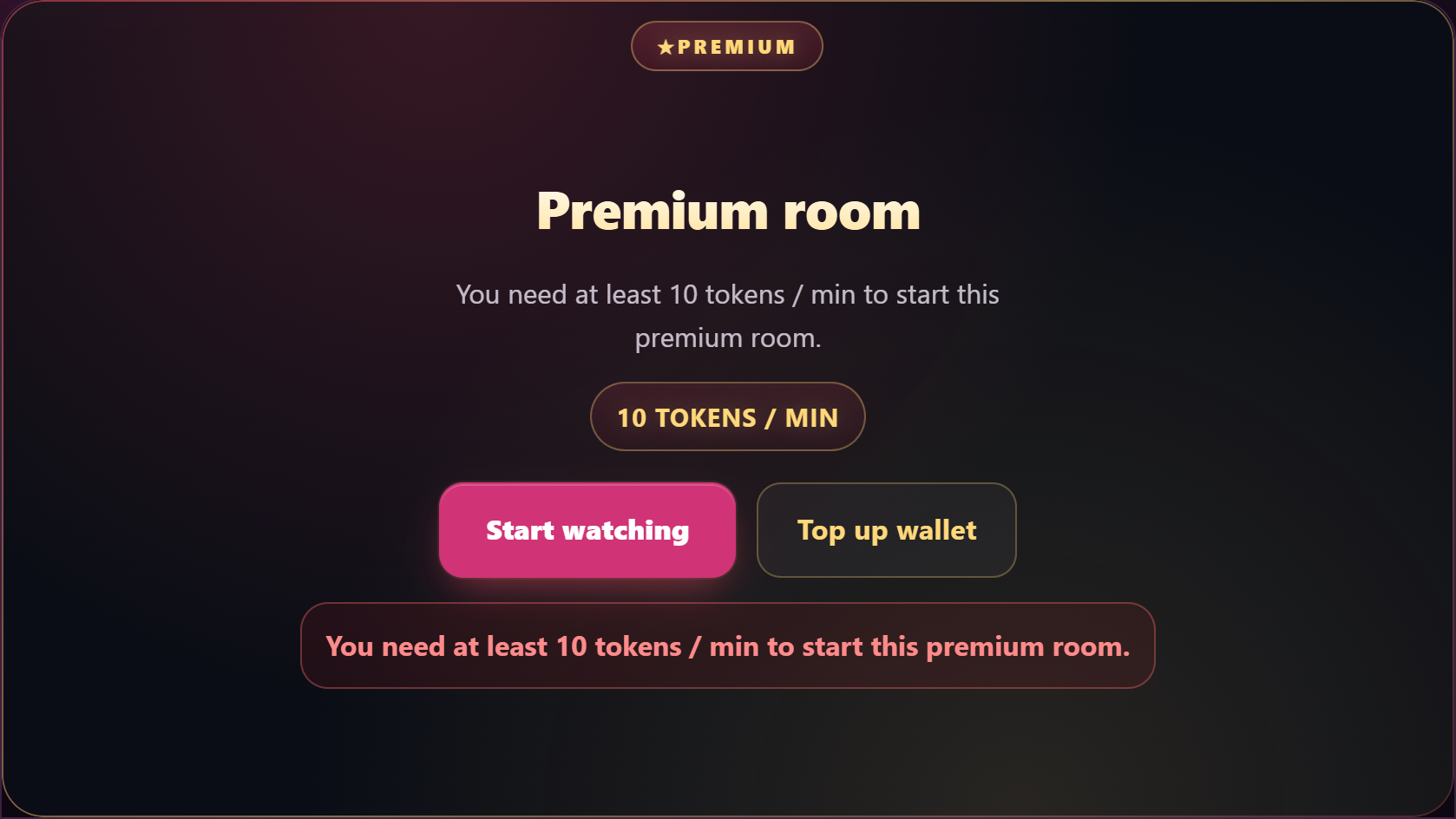
A premium room is public — anyone with a wallet balance can join — but you’re charged a per-minute rate while you watch. The room card on /live shows the rate before you click in. Joining the room starts the meter; leaving stops it.
How it works in practice:
- Confirm the per-minute rate when you join.
- Make sure your wallet has enough balance for as long as you intend to watch. If it runs out mid-stream, the platform stops the meter and drops you from the room.
- You can leave at any time. The meter stops the moment you leave; you’re charged only for the minutes you actually watched.
Premium streams have the same chat, tip button, and tip menu as free streams. The difference is the meter — you’re paying to be in the room on top of any tips you choose to send. If you’d rather not run a meter, watch the creator’s free streams instead, or wait for a recording (see §10).
5. Buying a ticket to a ticketed show
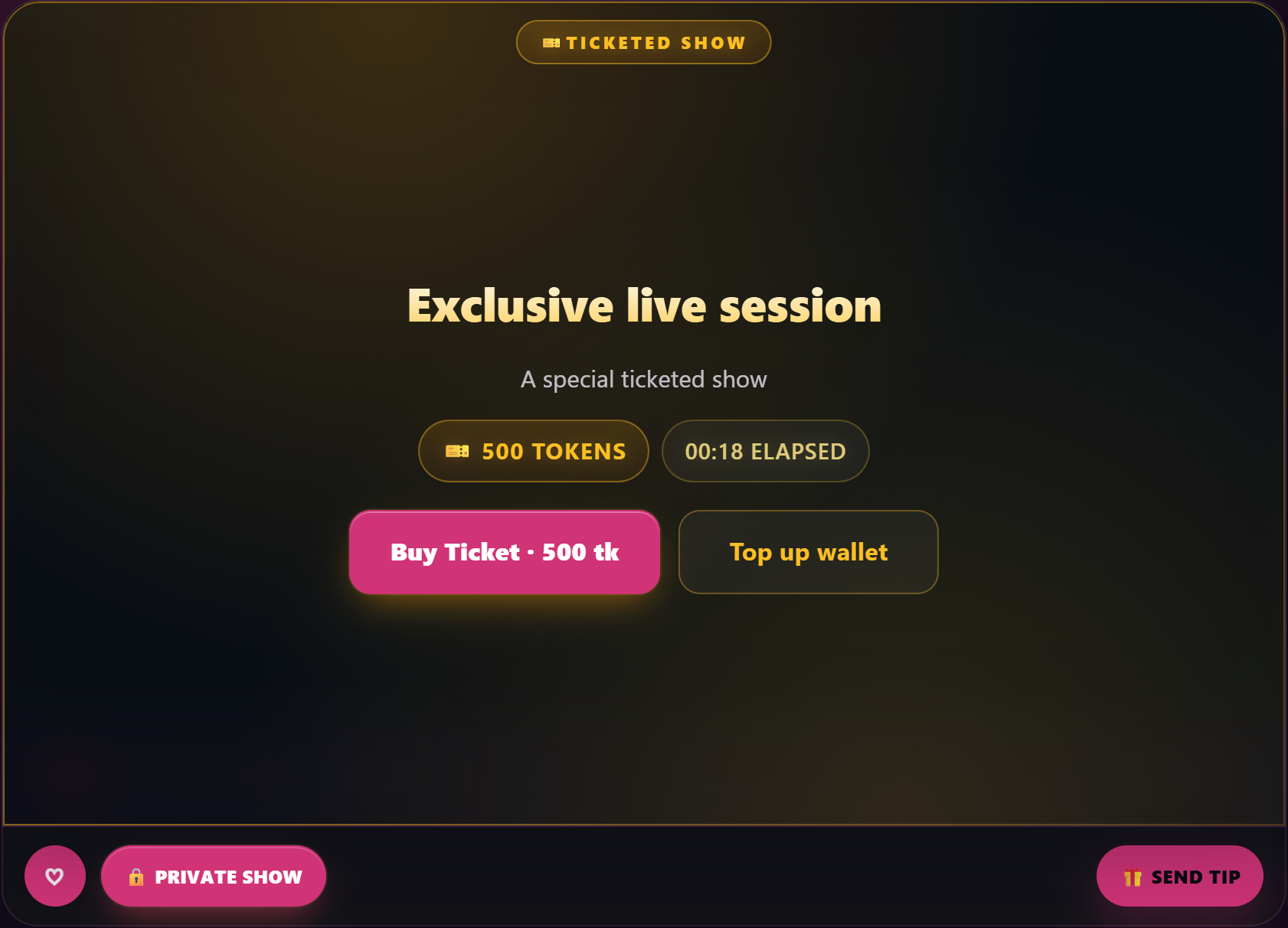
A ticketed show is gated by a one-off ticket price the creator sets per show. Tickets aren’t scheduled in advance — a creator flips into ticket mode during an active livestream, and tickets go on sale at that moment. You’ll see the ticket price and title on the room card before you click in; clicking the room shows you a “Buy ticket” button.
- Click Buy ticket on the room.
- Confirm the price.
- Pay with your wallet balance (one click if you have enough credit) or via card / SEPA / bank transfer (the same payment options as a clip purchase). If you’d rather pre-fund, top up at /my-account/wallet/ first.
- Once payment confirms, the room unlocks for you and you join the stream.
If you click Buy a second time after already buying — for instance, if the page seemed to hang on the first attempt — you won’t be double-charged. The system recognises an existing ticket and lets you in without taking another payment.
Joining mid-show. Tickets stay on sale for the entire run of the show. If you arrive after the creator has already flipped into ticket mode and the show is in progress, you can still buy in and join — there’s no late-arrival cutoff. You’ll start watching from the live point, not from the start of the show.
What a ticket entitles you to. A ticket is a single-use entry pass for that specific show: full audio and video for the duration of the show, free re-entry if you leave and come back while the show is still live, and (sometimes) recording access afterwards. If the creator has enabled Record tickets in their stream settings, the show is recorded and ticket-holders can re-watch it on the creator’s storefront. If they haven’t enabled it, the show is live-only. Your ticket is good for that single show — if the creator ends the show and goes live again later, even on the same day, that’s a new show and (if it’s also ticketed) it’s a new ticket.
Subscriber discounts and per-viewer pricing. Two ways the price on the Buy ticket button can differ from the public price. If the creator has set a discounted ticket price for subscribers, the button shows the subscriber price when you’re signed in as an active subscriber. Creators can also set a per-viewer override — a custom ticket rate for an individual fan (typically VIPs they want to comp). If the creator has set one for you, that’s the price you’ll see. See Subscribing to a creator for the subscription flow.
If something goes wrong. There are no automatic refunds for ticket purchases. If the show is materially broken — the creator’s stream drops mid-show and they don’t come back, the audio fails for everyone, the show is dramatically different from the title and description — open a support ticket and we’ll review case-by-case. We don’t refund for “I changed my mind” or “the show wasn’t what I hoped.” See Contacting support for how to reach us.
6. Booking a 1:1 private show — standard or exclusive
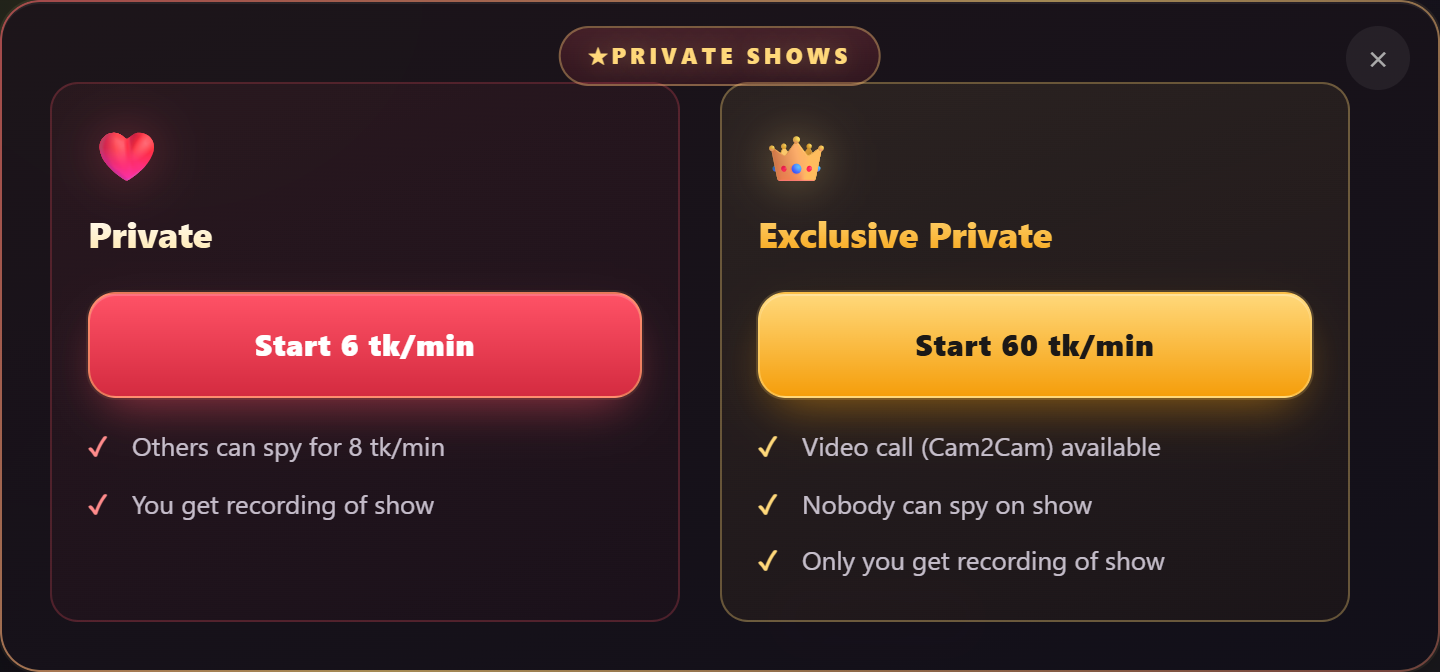
A private show is a one-on-one performance — you book the creator and pay per minute. There are two kinds:
- Standard private. The creator sees you, you see them. No cam2cam by default — the creator’s camera shows; yours does not. Voyeur access can be allowed — if the creator turns it on, other paying viewers can peek into the show at the cheaper voyeur per-minute rate (no chat, no interaction with you).
- Private exclusive. Like a standard private but with cam2cam always on (the creator sees your camera) and no voyeur access — it’s strictly the two of you. The per-minute rate is typically higher than the standard private because of the exclusivity.
The pricing fields you’ll see before you book:
- Per-minute rate. What you pay each minute the show runs. Charged from your wallet on a rolling basis.
- Minimum duration. The shortest a private show can run; you pay for at least this many minutes even if you end the show earlier.
- Upfront amount (sometimes set, sometimes 0). A starter charge debited the moment the private starts, on top of the per-minute rate.
- Voyeur rate (standard private only, when allowed). The cheaper per-minute rate other viewers pay to peek without interacting.
To book a private the creator has to be currently live — privates aren’t pre-bookable when the room is offline. Once they’re live:
- On the creator’s room, click Go private (or Request 1:1) and pick the kind — standard or exclusive.
- Confirm the per-minute rate, minimum duration, and upfront charge.
- Make sure your wallet has enough for at least 1 minute of runway at the per-minute rate. If you don’t, the request is rejected and you’ll see the exact minimum balance you need. (Top up at /my-account/wallet/ and try again.) For longer privates you’ll obviously want more — the meter ticks down as the show runs.
- Optionally write a short message (up to 200 characters) the creator sees with the request — useful if you want to flag a specific kink or request, or remind them you’re an existing fan.
- Submit the request. The creator either accepts (the private starts) or declines (no charge).
While the private is running, your wallet ticks down each minute. You can end the show at any time by clicking End private; the creator can also end it from their side. Either way, the meter stops.
Sending the request twice. If you click Request again with one already pending — for instance, if you weren’t sure the first attempt went through — you won’t open a second request. The system returns the existing one without doubling up. The creator still sees a single entry in their request queue.
Subscriber discounts and per-viewer pricing. Two ways the per-minute rate you see can differ from the public rate. If the creator has set a discounted private rate for subscribers, the rate shows the subscriber price when you’re signed in as an active subscriber. Creators can also set a per-viewer override — a custom private rate for an individual fan (typically VIPs they want to comp). If the creator has set one for you, that’s the rate the booking screen shows. See Subscribing to a creator for the subscription flow.
If something goes wrong. There are no automatic refunds for private shows. The minute-by-minute meter is the safety net — if the connection drops or the show isn’t what you expected, ending the private stops the charges immediately. If a show is materially broken — the creator’s stream drops mid-private and they don’t come back, the audio fails entirely on their side, the show was dramatically different from what was agreed before booking — open a support ticket and we’ll review case-by-case. We don’t refund for “I changed my mind” or “the show wasn’t what I hoped.” See Contacting support for how to reach us.
Voyeur access (standard private only). If the creator has voyeur enabled and you’re already in their room when they go private, you’ll see a “Voyeur” or “Spying” option to peek at the cheaper rate. You can’t chat or interact — you just watch. Switch back to leaving the room to stop the voyeur meter.
Cam2cam in exclusive privates. Cam2cam means the creator can see your camera as well. In an exclusive private it’s always on; you grant camera access when the show starts. Standard privates don’t support cam2cam — book an exclusive if you want the creator to see you.
7. Subscribers-only streams
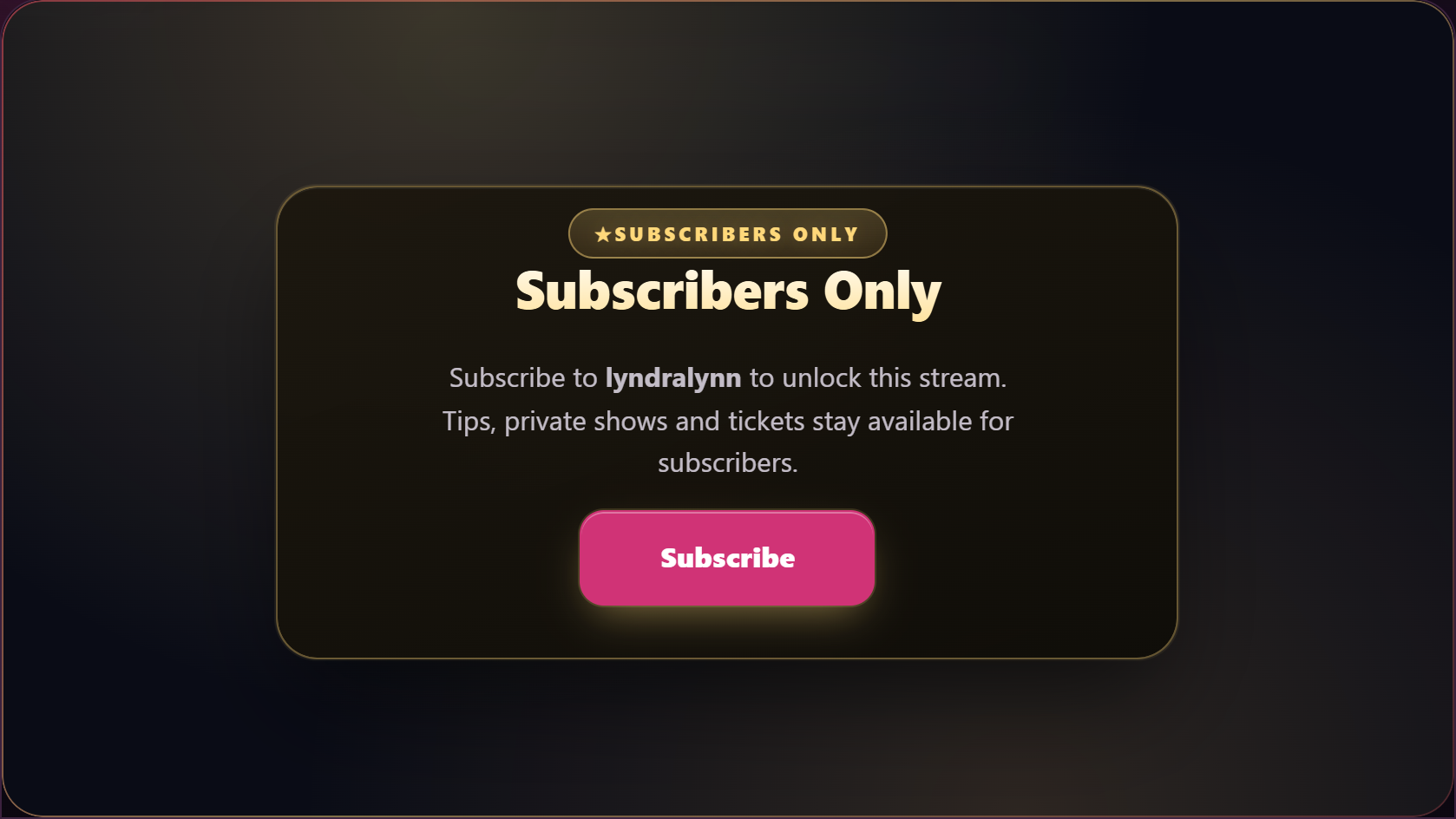
Some streams are flagged subscribers-only. Subscribers-only is not a separate stream mode — it’s a flag the creator can stack on top of any of the modes above. So a stream can be:
- Free + subscribers-only — a free stream, but only active subscribers can join.
- Premium + subscribers-only — per-minute pricing, only subscribers can enter.
- Ticket + subscribers-only — usually paired with a discounted subscriber ticket price; only subscribers can buy the ticket.
- Private + subscribers-only — private show with subscriber-discounted per-minute rate; only subscribers can request.
The room card shows a “Subscribers-only” label, and clicking the room without an active subscription returns “This room is for subscribers only” with a Subscribe button.
Subscribe to the creator (see Subscribing to a creator) and you can join those streams for as long as your subscription stays active. The room card tells you the underlying mode (free / premium / ticket / private) so you know what you’d pay in addition to the subscription if anything.
8. Tipping during a stream
The Tip button is in every room (free, premium, ticketed, your own private show). Tips are charged from your wallet — top up first if your balance is empty. See Topping up your wallet.
What tips do:
- Free-form tips (any EUR amount you choose) — paid to the creator, with an optional message that appears in chat.
- Tip menu items — if the creator has a tip menu, each item lists a specific action (a pose, a position change, a toy interaction) with the exact tip amount that triggers it. Tip the listed amount and the action runs.
- Lovense toy tips — if the creator has paired a Lovense toy, certain tip amounts trigger specific toy reactions (length and intensity vary by amount). The creator’s room shows the active toy and the tip-amount mapping.
- Goal contributions — every tip also counts toward an active tip goal if the creator has one running (see §9).
Tips are non-refundable. Once sent, the amount is debited from your wallet and credited to the creator’s earnings. Pick the right amount before you click Tip.
Tip range. A single tip can be as small as 1 token or as large as 50,000 tokens. If your wallet balance is below the amount you tried to tip, the tip is rejected and you’ll see the exact minimum or maximum surfaced in the error — top up at /my-account/wallet/ and try again.
Tip visibility. Your username appears alongside the tip amount in chat when the tip lands, and on the tip-goal contributor list (if the creator has a goal running). There’s no anonymous-tip toggle — every tip is visible to the room and to the creator. If you’d rather not have your username visible while tipping, the only way is to pick a username on signup you’re comfortable showing publicly.
If you’re a creator setting up Lovense for the first time, see Pairing your Lovense toy.
9. Tip goals — collective progress in the room
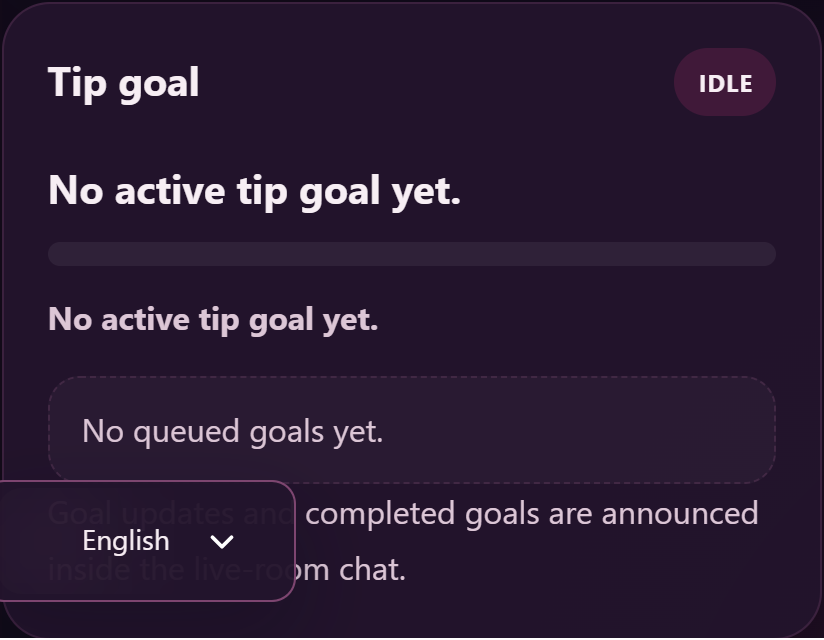
Many creators run a tip goal during a stream — a target amount in EUR that everyone in the room contributes toward via tips. When the goal is reached, the creator has agreed to do something specific (the goal title tells you what).
What you’ll see when a goal is active:
- Goal title — what the creator has promised to do when the target is hit (e.g. “10 minutes naked”, “specific toy”, “switch outfits”, “next position”).
- Progress bar — how close the room is to the target, updated live as tips come in.
- Current total vs target — the running tally vs the goal amount.
- Recent contributors — usernames of the latest tippers, often shown next to the progress bar.
Every tip you send during the stream — whether it’s a free-form tip, a tip-menu trigger, or a Lovense-action tip — automatically counts toward the active goal. You don’t need to specify “this is for the goal”; the platform aggregates them all.
Some creators queue multiple goals back-to-back — when the first goal completes, a new goal automatically becomes active and the progress bar resets. The room shows the next goal title so you know what’s coming.
If the goal isn’t hit by the time the stream ends, the goal closes without the creator performing the action — but the tips are still credited to the creator’s earnings (tipping is its own transaction; the goal is a target the creator chose to organise around).
10. After the stream ends
What happens to a stream once the creator ends it depends on the mode and the creator’s settings:
- Free / Premium / Ticket / Subscribers-only streams are recorded automatically. If the creator publishes the recording as a clip (or as a paid VOD), it appears on their storefront afterwards. See Recording your livestreams — where your VODs live for the creator-side view of what they choose to publish.
- Private and Private exclusive shows are typically NOT republished as a paid VOD by default — they’re a 1:1 experience and most creators keep them private. If the creator does choose to publish a private session, you’ll receive a notification before they do.
Subscribers automatically get free access to any stream recording the creator publishes if it’s included in their subscription bundle (see Subscribing to a creator).
Common questions
Q: I can’t see any live streams on the /live page.
That just means no creator is currently broadcasting. The page updates live — leave it open and new streams appear as creators go on. You can also subscribe to creators you like and get notified when they go live.
Q: I’m in a premium per-minute stream and my wallet is running low. What happens?
The platform stops the meter when your balance drops below the rate for the next minute and drops you from the room. Top up the wallet and rejoin to keep watching.
Q: I bought a ticket but I can’t enter the room.
Refresh the page. If the order shows Completed in My account → Orders but you still can’t enter, open a support ticket with the order number and the creator’s name.
Q: Can I get a refund on a ticket if I miss the show?
No. Tickets are digital products and aren’t refundable. The ticket is for that specific show — once the show ends (or once you’ve entered the room), the ticket is consumed. If a creator cancels a show before it starts and you bought a ticket in advance, the ticket purchase stays on the creator’s earnings ledger and you can use the recording (if the creator publishes one) as the value.
Q: What’s the difference between a standard private and an exclusive private?
Standard private = the creator sees you, you see them, no cam2cam (your camera is not used), and other paying viewers can voyeur if the creator allows. Exclusive private = same one-on-one but with cam2cam always on (the creator sees your camera) and no voyeurs at all. Exclusive privates are typically priced higher because of the exclusivity.
Q: My private show ended unexpectedly. What happens to my wallet?
The meter stops the moment the show ends. If your private was running for 7 minutes when it ended, you’re charged for 7 minutes (or the minimum duration, whichever is higher) plus the upfront. The wallet balance reflects the actual time charged.
Q: Can I watch a private show that isn’t mine?
Only via voyeur mode if the creator has enabled it on a standard private. Exclusive privates have no voyeurs at all — only the booking viewer.
Q: My camera isn’t showing up in cam2cam.
Check your browser’s camera permissions for lewdden.com (chrome://settings/content/camera in Chrome, similar in other browsers). The platform asks for camera access when an exclusive private starts; if you previously denied it, the browser remembers that until you change the permission.
Q: I tipped €5 toward a tip goal of €100. Will I get the €5 back if the goal isn’t reached?
No. Tips are non-refundable, and the goal is a target the creator organises around — not a contract. Your tip is paid to the creator as soon as you send it; the progress bar is just a visual aggregate of how close the room is to the target.
Q: I tipped and nothing happened — was the tip received?
Look at chat — most tips show a chat notification (“Username tipped €X.00”). If the tip was for a tip-menu action and the action didn’t run, the creator may not be at their stream controls at that moment. Tips don’t get refunded automatically; reach out to the creator’s chat to confirm.
Q: A stream I was watching just disconnected. Did the creator end it?
Possibly, or your connection dropped. The platform shows a “Stream ended” or “Reconnecting…” message depending. If it’s “Reconnecting…” wait 30–60 seconds; if it’s “Stream ended,” the show is over.
Q: Where do I see the streams I’ve watched or paid for?
Tickets, premium-room minutes, and private-show charges are listed in My account → Orders. Stream recordings the creator has published as VODs that you’ve bought are in My Library → VODs (see Buying a clip for the parallel My Library walkthrough).
Q: Will the creator know I’m watching?
Free / Premium / Ticket room: only your username + the fact you’re in the room are visible (in the viewer list). Subscribers-only room: same. Private show: yes, the creator sees you specifically (and the cam2cam toggle on an exclusive private means the creator can also see your camera). Voyeur on a standard private: the creator sees you in the voyeur list. The platform doesn’t share location data, browser fingerprint, or anything beyond what you’ve made visible on your fan profile.







