
Paxum is the IBAN provider we recommend first to international creators. It’s a regulated bank that has been working with adult-industry payouts for over fifteen years, and its public marketing names webcam models and creators as a supported customer segment — so receiving Lewdden earnings into a Paxum account is exactly what the account is built for.
This guide walks you through opening a Paxum personal account, getting verified, requesting your EUR IBAN, and copying that IBAN into your Partner-ID registration. Plan on 20–30 minutes of form-filling plus 1–3 business days for Paxum to verify your documents.
For the rest of the payout setup once your IBAN is in place, see Setting up your Partner-ID for the first time. For the bigger picture (rev share, monthly cycle, when payouts run), see How creator payouts work. To compare Paxum against Wise and Payoneer first, see IBAN setup for international creators (overview).
1. Why Paxum
Paxum is operated by Paxum Bank Limited, a licensed financial institution in the Commonwealth of Dominica. Two things make it the safer pick for creator income:
Paxum publicly markets webcam models, webcam studios, and adult-content publishers as supported customers.
Wise and Payoneer reserve the right to review or close accounts on a case-by-case basis. With Paxum, receiving Lewdden earnings is what the account is for — you don’t need to worry about a generic AML review flagging your inflow.
Opening the account is free, the EUR IBAN is free, and there’s no monthly maintenance fee while you’re using the account.
A small inactivity fee kicks in only if you stop using the account for 6+ months.
The trade-off is that withdrawing money from Paxum to your local bank costs a flat per-transfer fee (whereas Wise SEPA-out is free in many countries). For most creators this nets out fine — the savings on receiving and the safety on the front end outweigh the per-withdrawal cost — but if you cash out very frequently in tiny amounts, do the math.
2. What you’ll need before you start
Get these together before you click sign-up — Paxum will ask for them during the application:
- Government-issued photo ID — passport, national ID card, or driver’s license. Both sides if it’s a card.
- Proof of address — utility bill, bank statement, or credit-card statement dated within the last 3 months, showing your name and current address. Must be a different document from the ID.
- Phone number — for SMS verification.
- Your full legal name — must match your ID exactly, your Partner-ID registration exactly, and your Lewdden account.
Name consistency matters. If your ID says “Anastasia Maria Sokolova,” that’s the name you put on your Paxum account, your Partner-ID, and your Lewdden account too — not a stage name, not an abbreviated version.
3. Open a free Paxum personal account
- Go to paxum.com/signup and choose Personal account. Application takes around 3–4 minutes.
- Enter your email address and create a strong password.
- Fill in your personal details: full legal name, date of birth, residential address, country of residence, phone number.
- Submit the form. You’ll receive a confirmation email — click the link to confirm your address.
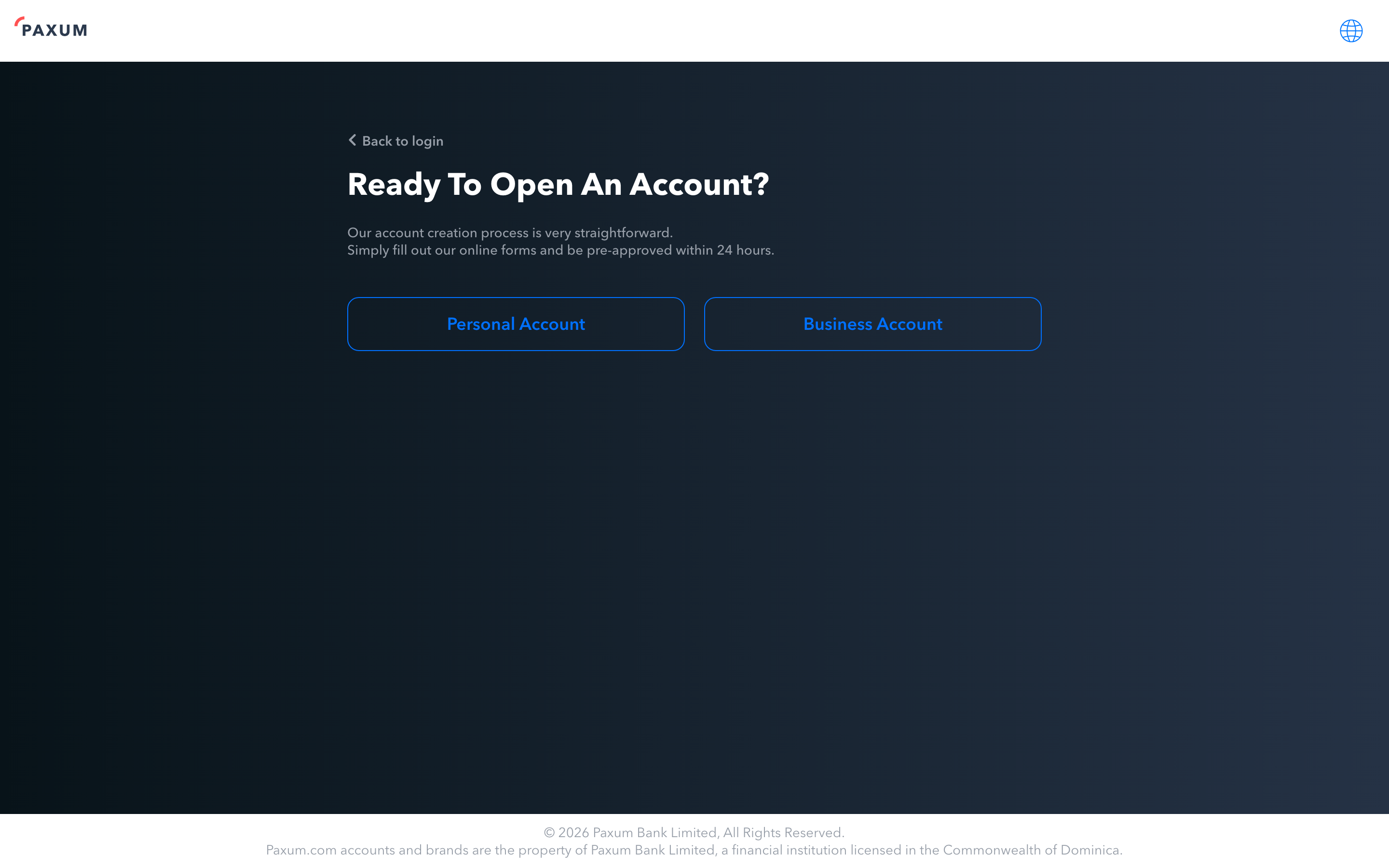
You’ll be pre-approved within 24 hours, but you can’t start using the account or request an IBAN until you complete identity verification.
4. Verify your identity
Sign in to your Paxum dashboard and follow the verification prompt:
- Upload your photo ID — both sides if it’s a card. Make sure the image is sharp and all four corners are visible.
- Upload your proof of address — different document from the ID, dated within the last 3 months.
- Submit a selfie if Paxum prompts for one (some accounts get this step, some don’t).
Verification typically takes 1–3 business days. Paxum emails you when your account is approved.
[Screenshot 2: Paxum dashboard with verification status panel]
If your documents are rejected, the email tells you why — usually it’s a blurry photo, an outdated proof of address, or a mismatch between the name on the ID and the name you registered with. Re-upload through the same dashboard panel; there’s no penalty for retrying.
5. Request your EUR IBAN
Once verified, the EUR IBAN is the next click:
- From your Paxum dashboard, go to Receive Payments → EUR IBAN Account (the wording can vary slightly by dashboard version — look for “IBAN” or “Receiving Accounts”).
- Click Request EUR IBAN.
- Confirm the account holder name (must match your verified Paxum name).
- Submit.
The EUR IBAN is free — no setup fee, no monthly fee, no minimum balance. Paxum issues you a European IBAN that accepts both SEPA transfers and SWIFT wires.
Once issued, your dashboard shows:
- IBAN — your European EUR IBAN.
- BIC / SWIFT — Paxum‘s banking partner BIC (varies by issuing partner).
- Bank Name — Paxum‘s banking partner.
- Bank Country — the country where the IBAN is issued.
- Account Holder — your full legal name.
[Screenshot 3: Paxum dashboard EUR IBAN card with the issued details visible]
Copy or write down all four — you need them for the Partner-ID step next.
6. Use your Paxum IBAN on the Partner-ID registration
Now go back to Lewdden and finish the Partner-ID side:
- Sign in at /models-login/.
- Open /store-manager/payouts/.
- Scroll to the Need a partner ID first? card.
- In the partner registration form (embedded on the page or in a new tab), enter:
- IBAN — your Paxum EUR IBAN
- BIC / SWIFT — your Paxum BIC
- Bank country — Paxum‘s banking partner country (whichever country the IBAN was issued from, not your home country)
- Account holder name — your full legal name, exactly as it appears on Paxum
- Upload the Partner-ID side documents (ID, address proof, tax info, bank-account proof — the bank-account proof is typically a screenshot of your Paxum dashboard showing the IBAN and your name).
- Submit. The partner system reviews — typically within a few business days — and emails you a Partner-ID.
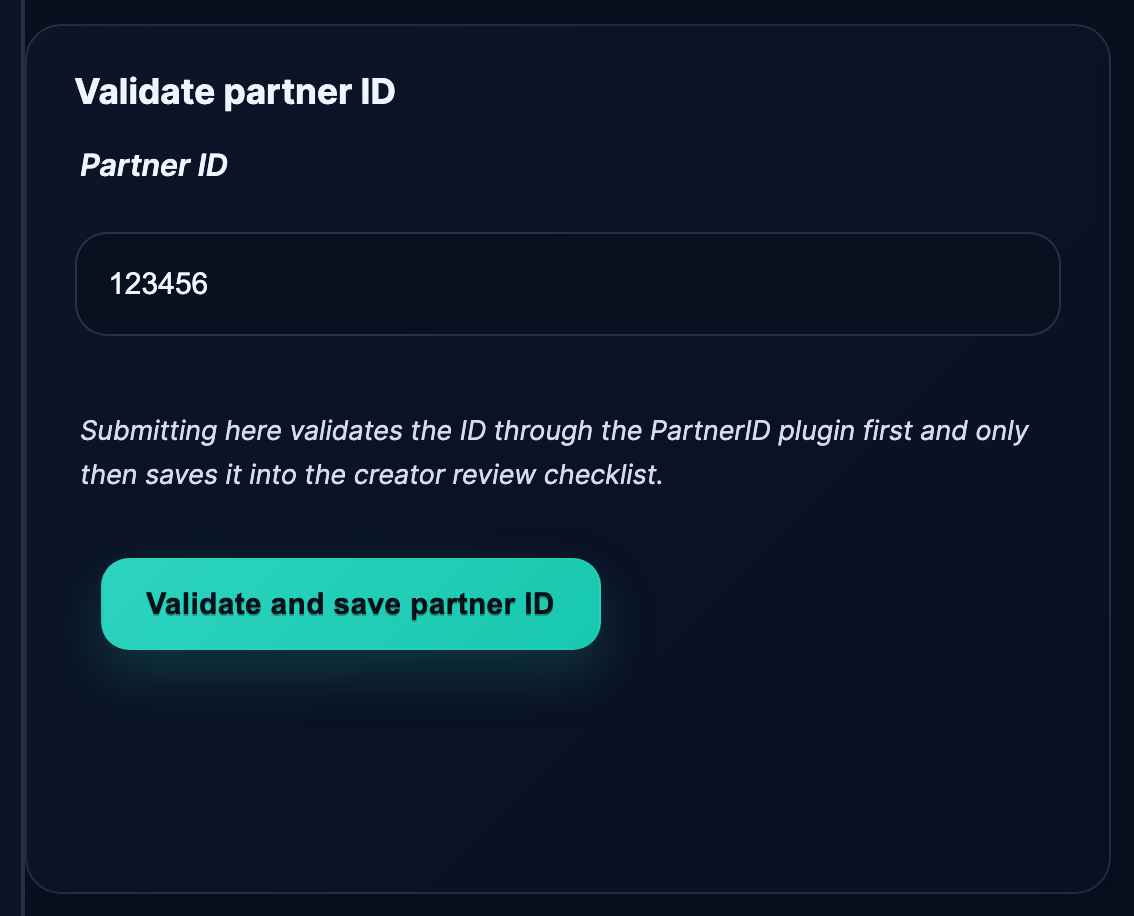
- Come back to /store-manager/payouts/, paste the Partner-ID into the Validate partner ID form, click Validate and save partner ID.
Once validation passes, your monthly payouts run on the next 1st-of-the-month cycle. See Setting up your Partner-ID for the first time for the click-by-click on this step.
7. Paxum fees at a glance
The fees that matter for Lewdden creators receiving monthly EUR payouts:
| Action | Fee |
|---|---|
| Opening a personal account | Free |
| EUR IBAN account (issuance + maintenance) | Free |
| Receiving EUR via SEPA from a third party (your monthly payout) | 0.5%, minimum $5.00 |
| Account maintenance while active | Free |
| Account maintenance if idle 6+ months | $5.00 / month |
| Sending EUR to your own bank via SEPA (local bank transfer) | $5.00 flat |
| Sending EUR to your own bank via SWIFT wire | $40.00 flat |
| P2P transfer to another Paxum user | $0.25 |
The “0.5% min $5” SEPA receive fee is the one to watch. On a €100 monthly payout it’s the $5 minimum (about €4.60); on a €1,000 payout it’s the 0.5% (€5). On any payout of €1,000 or more, the receive fee is just 0.5%.
To minimise fees, let your Paxum balance accumulate and withdraw to your local bank in larger, less frequent transfers. The Paxum Mastercard (see below) is also useful if you’d rather spend the EUR balance directly.
8. Optional — order a Paxum prepaid Mastercard
Paxum issues prepaid cards (Mastercard or UnionPay, depending on your country) that draw directly from your Paxum balance. Useful if you’d rather spend your earnings without converting to local currency through a bank.
Card fees vary by card type and country. The UnionPay variant ships in a virtual form for free + $1 issue fee, $2.95/month, $0 POS in card currency (3.5% FX). The Mastercard variant has different fees — check paxum.com/fees/personal for the current schedule before ordering.
The card is entirely optional. Your EUR IBAN works for the Partner-ID payouts whether or not you order one.
Common questions
Q: Is Paxum a real bank, or a fintech?
Paxum operates through Paxum Bank Limited, a financial institution licensed in the Commonwealth of Dominica. It’s a regulated bank for the purpose of issuing accounts and IBANs. Treat it as you would any other licensed payment institution.
Q: How long does the whole process take?
Sign-up is 3–4 minutes. Pre-approval is within 24 hours. Full verification is 1–3 business days. Requesting the EUR IBAN is instant once verified, though Paxum sometimes takes another business day to enable the IBAN itself. Total: under a week from “I’ll do this today” to “my IBAN is ready to copy into the Partner-ID registration.”
Q: My country isn’t on the Paxum signup country list.
Paxum operates in 50+ countries, with a focus on creator-friendly jurisdictions. If your country isn’t supported, try Wise (80+ countries) or Payoneer (190+ countries). See IBAN setup for international creators (overview).
Q: Can I sign up for a business account instead?
Yes — Paxum has a Business account option for studios, agencies, and registered creators. The flow is similar but you also upload company-registration documents. Use the business account if you operate as a registered freelancer or a company; ask your accountant.
Q: Do I need to maintain a balance?
No. There’s no minimum balance requirement on the personal account. The only fee for keeping the account is the inactivity fee that kicks in if you go 6+ months without using it.
Q: What happens if my account goes dormant?
After 6 months of no activity (no transfers in or out), Paxum charges a $5/month maintenance fee until the account is active again. As long as your monthly Lewdden payout is landing, this won’t apply to you.
Q: How do I move money from Paxum to my local bank?
Two options. Local Bank Transfer (SEPA) costs $5 flat — the cheapest if your local bank is in the SEPA zone. SWIFT Wire costs $40 — for non-SEPA destinations. The wire option also works through Paxum‘s UnionPay or Mastercard prepaid card.
Q: Why is my IBAN BIC different from what the on-page guide shows?
Paxum‘s banking partner can change over time, so the BIC and bank country shown in your dashboard are the source of truth — not anything cached in this article. Always copy what your Paxum dashboard shows on the day you register your Partner-ID.
Q: I already have a Paxum account from a different platform — do I need a new one?
No. Use the same account and the same EUR IBAN. Paxum doesn’t require a separate account per income source.
Q: My Paxum verification keeps getting rejected — what do I do?
Most rejections are: blurry ID photo, ID/address-proof mismatch, address proof older than 3 months, or the same document used for both ID and address. Fix the specific issue named in the rejection email and re-upload. If you’re stuck, Paxum‘s support is at the bottom of every page on their site; this is between you and Paxum, not Lewdden.







