Communities are groups around a topic, clubs belong to one creator. Both work the same way.
Video guide
1. Join
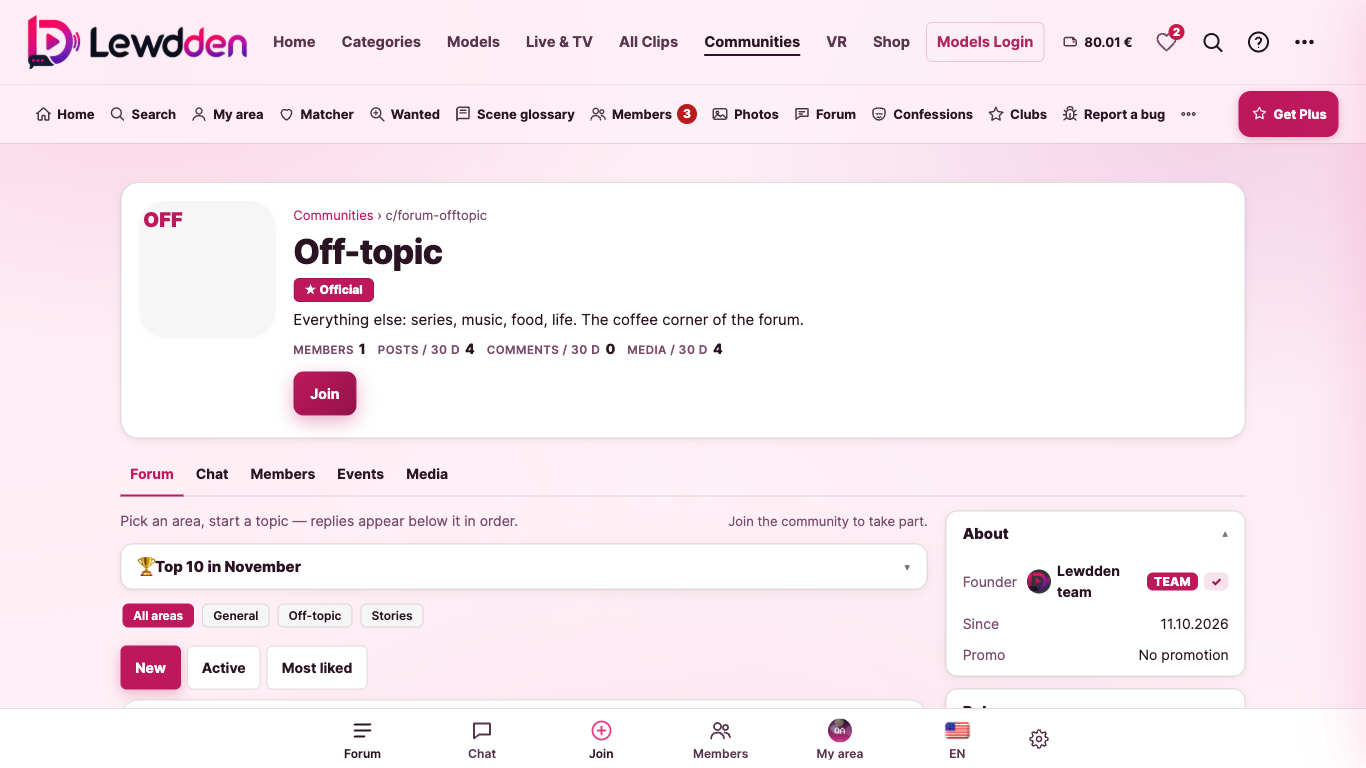
Press Join on a community. Some communities let the founder confirm you first. A free account can join up to 5 communities, Plus has no limit; creator clubs do not count.
2. Write a post
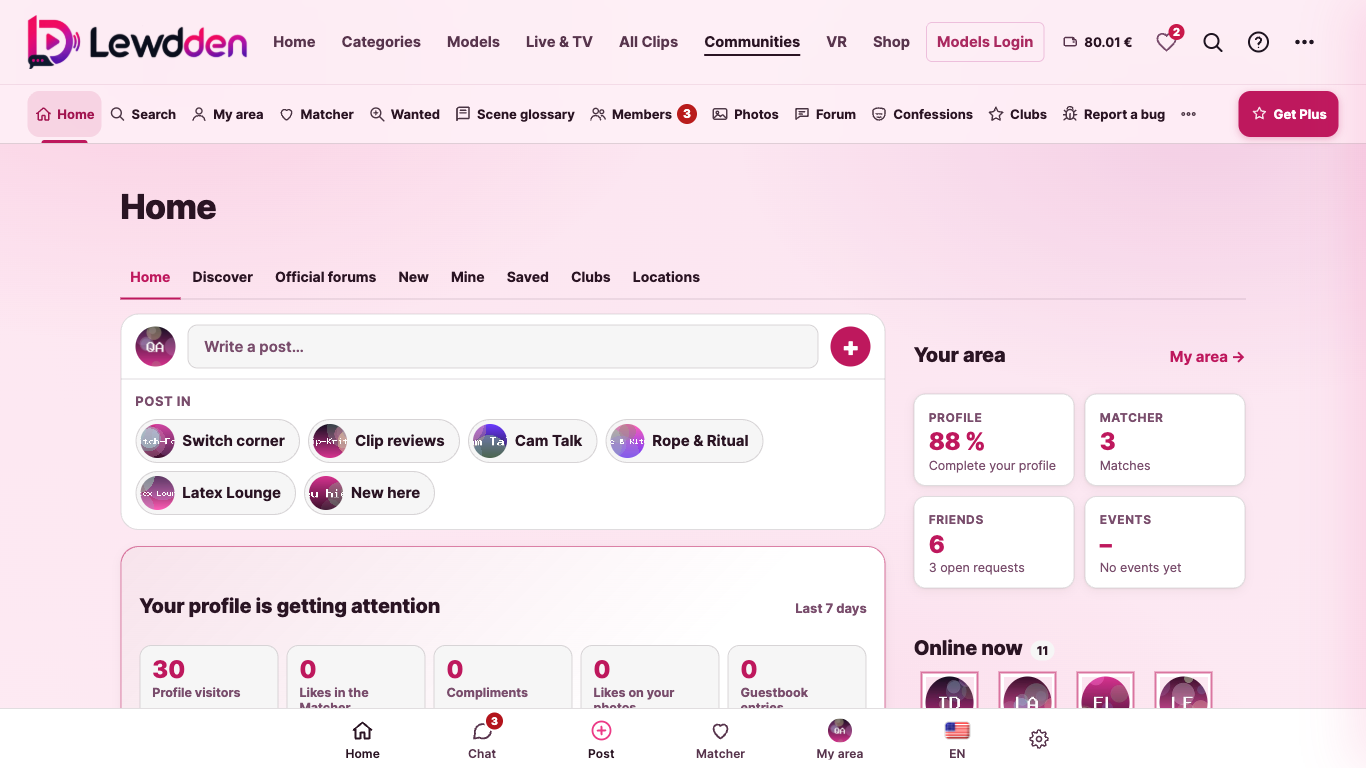
Tap Post, choose the community and write a title and text. Some communities allow clips or pictures; pictures are checked before they appear. You can edit your posts anytime — edited posts are marked.
3. Hearts and comments
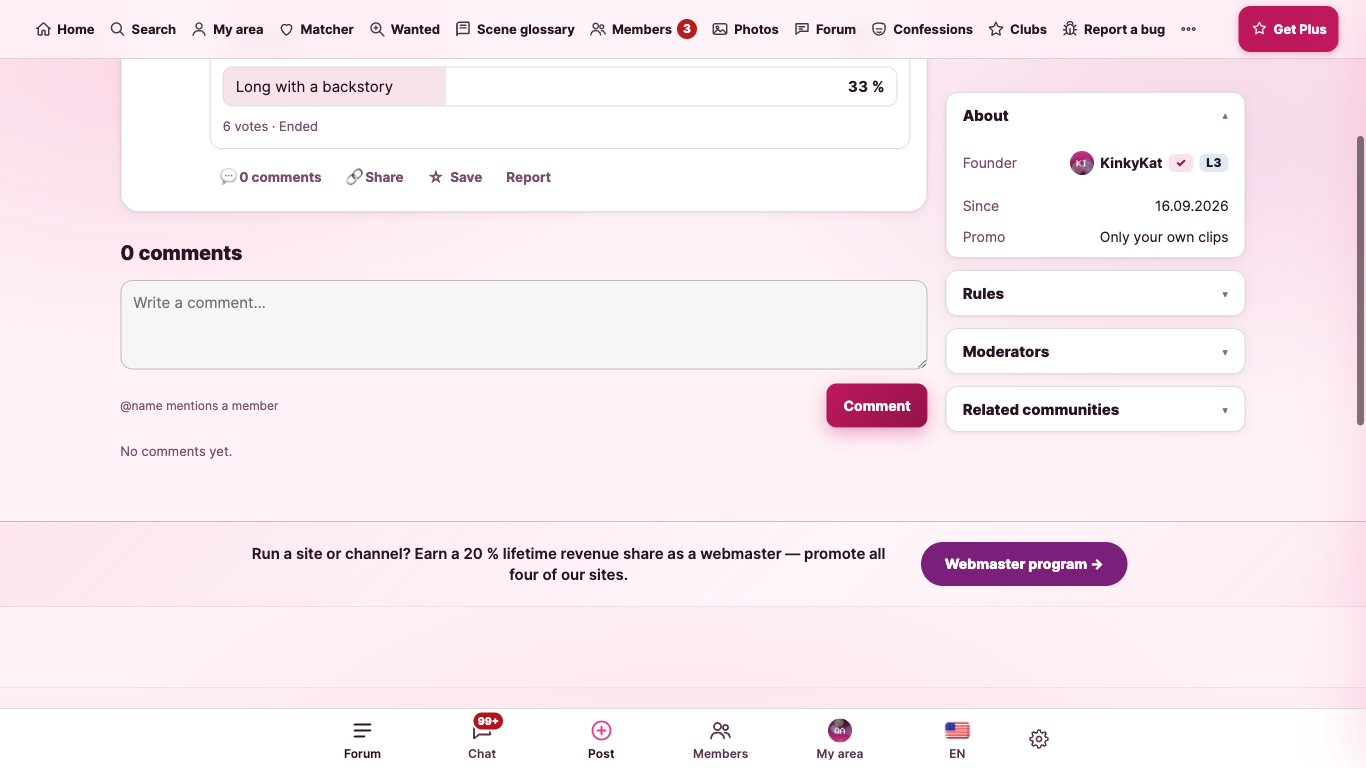
Give posts a heart, answer comments directly and mention members with @name. Every community also has a forum with areas such as Introductions or Questions, and a chat for members.
4. Creator clubs
Every creator has a club. As a fan you post in the club forum; subscribers also get the members lounge and chat.